Firstly, many thanks to gskielian for getting it to work with Python 2.7 https://github.com/gskielian/JPG-PNG-to-MNIST-NN-Format
pip install pillow1. MNIST requires train and test files to be classified under folder names: 0,1,2...
2. To resize images use the following bash script resize-script.sh (use https://github.com/gskielian/JPG-PNG-to-MNIST-NN-Format/blob/master/resize-script.sh)
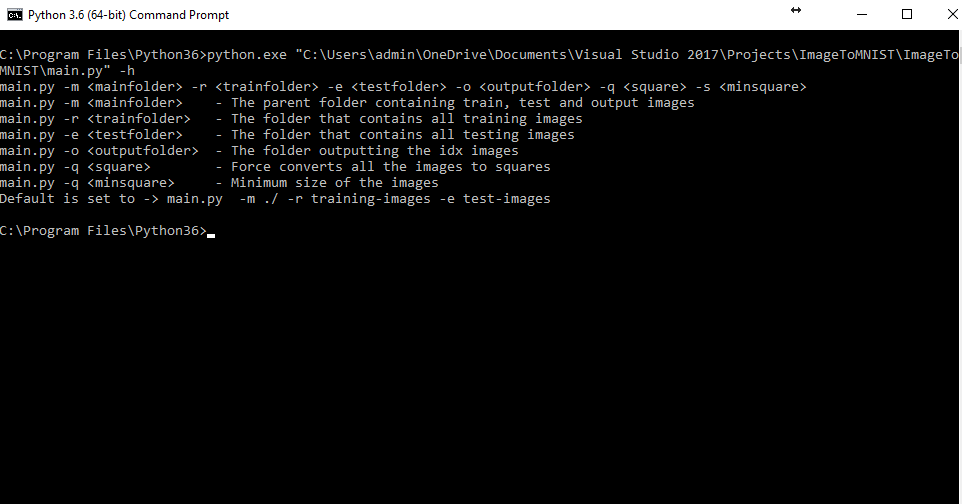
3. Run python main.py -h to get help. Results look as follows:
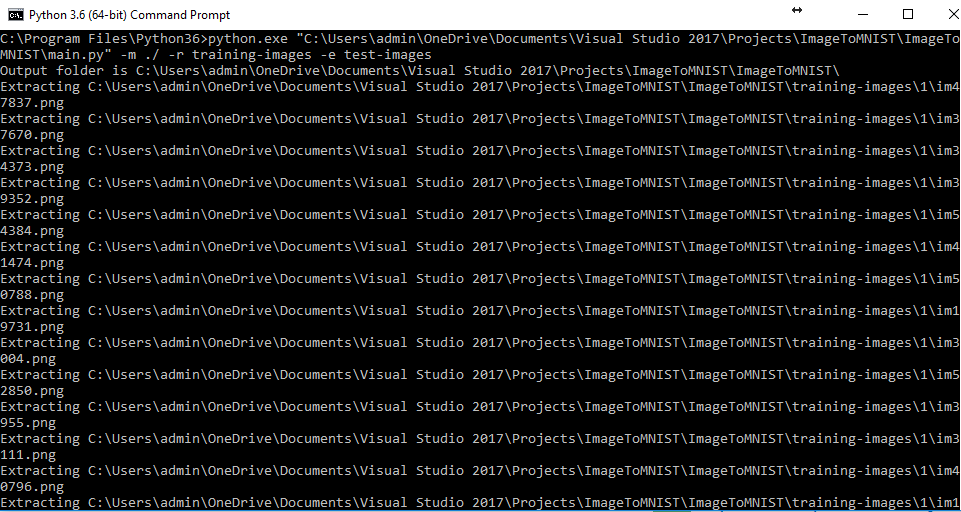
4. Run python main.py -m ./ -r training-images -e test-images Results look as follows when converting PNG to MNIST:
MainFolder
├── test-images (testfolder)
│   ├── 0
│   │   ├── img00.png
│   │   └── img01.png
│   ├── 1
│   │   ├── img10.png
│   │   └── img11.png
│   ├── 2
│   │   ├── img20.png
│   │   └── img21.png
└── training-images (trainfolder)
    ├── 0
    │   ├── img00.png
    │   ├── img01.png
    ├── 1
    │   ├── img10.png
    │   └── img11.png
    └── 2
        ├── img20.png
        └── img21.png