


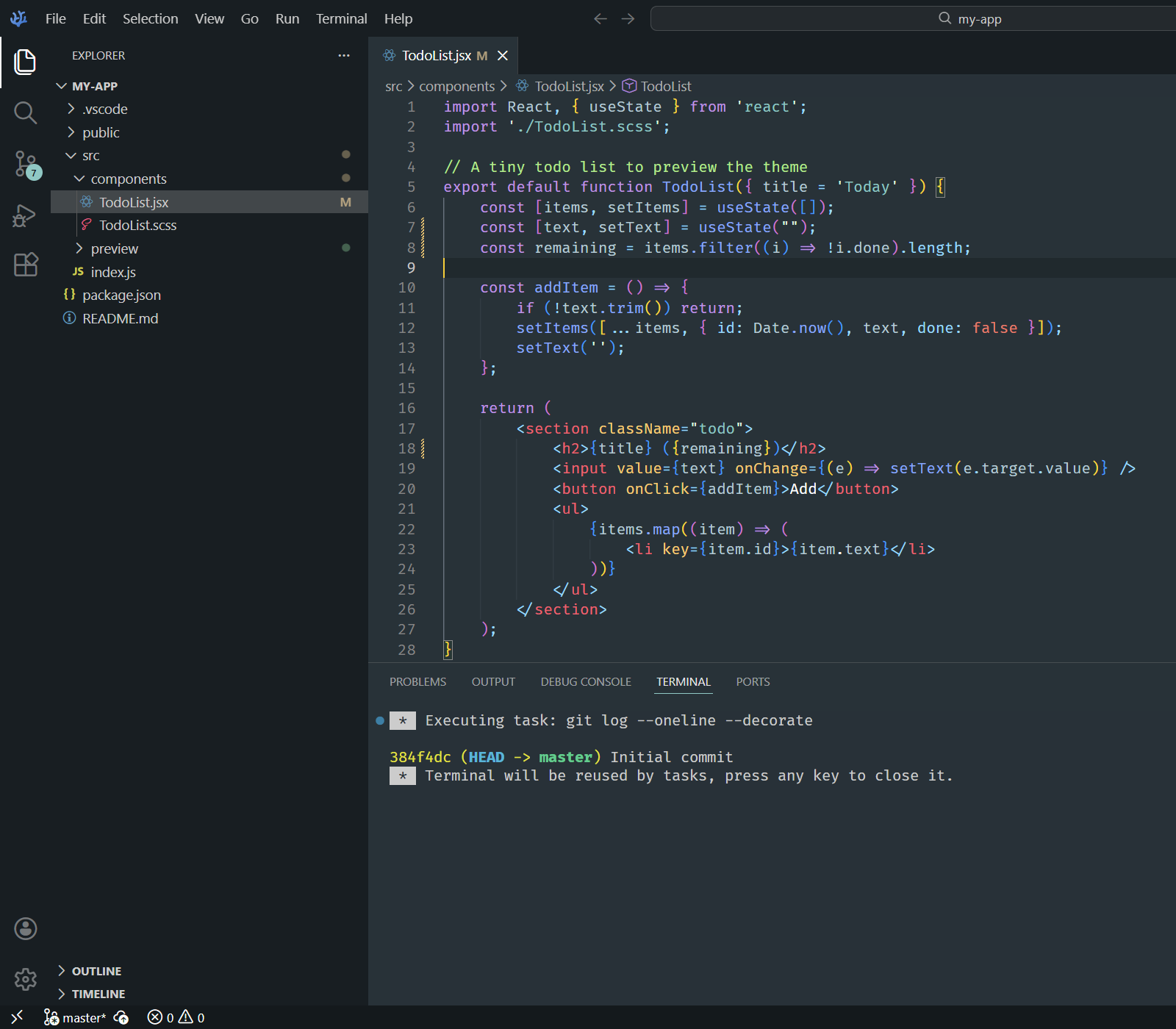
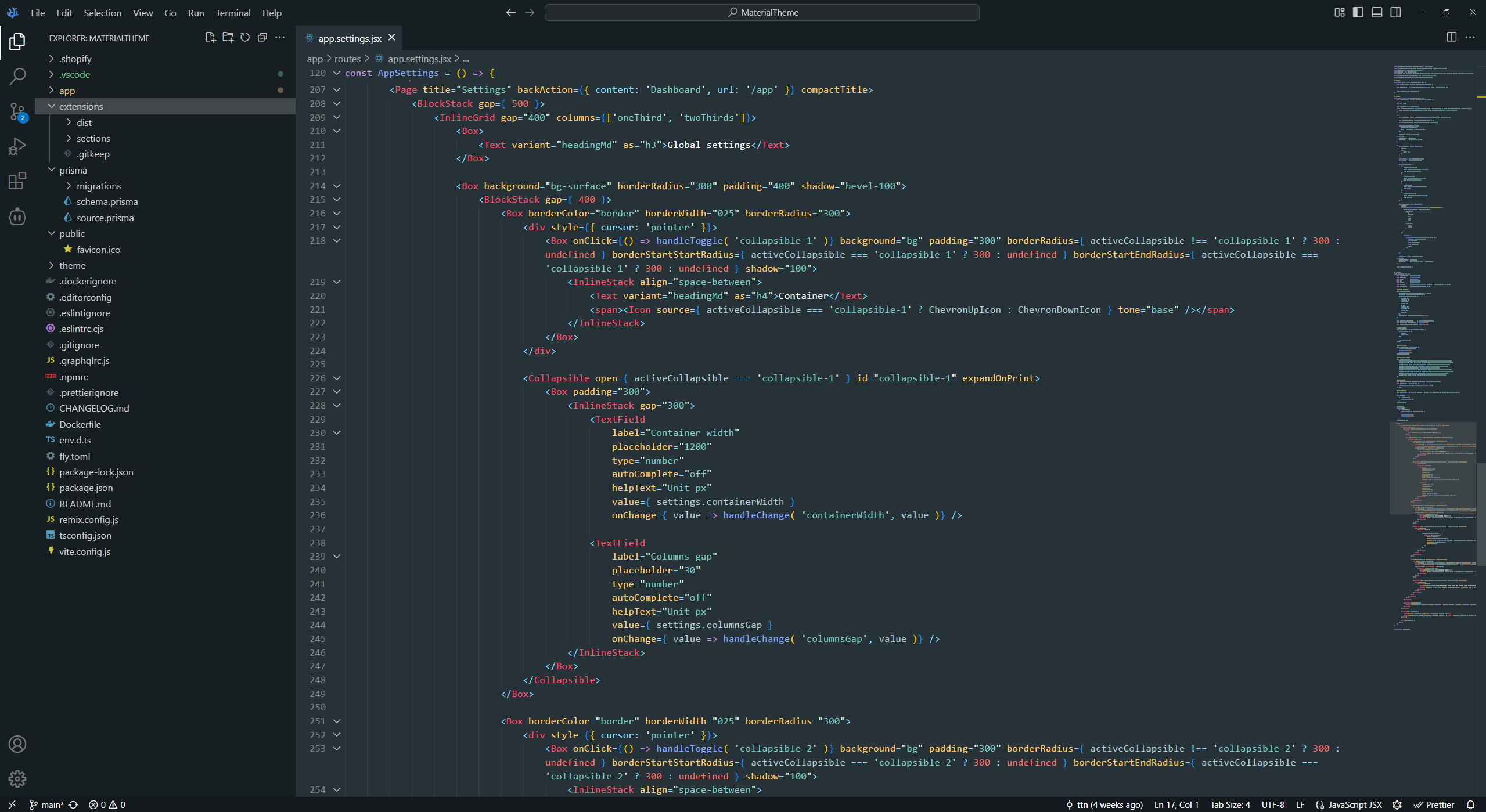
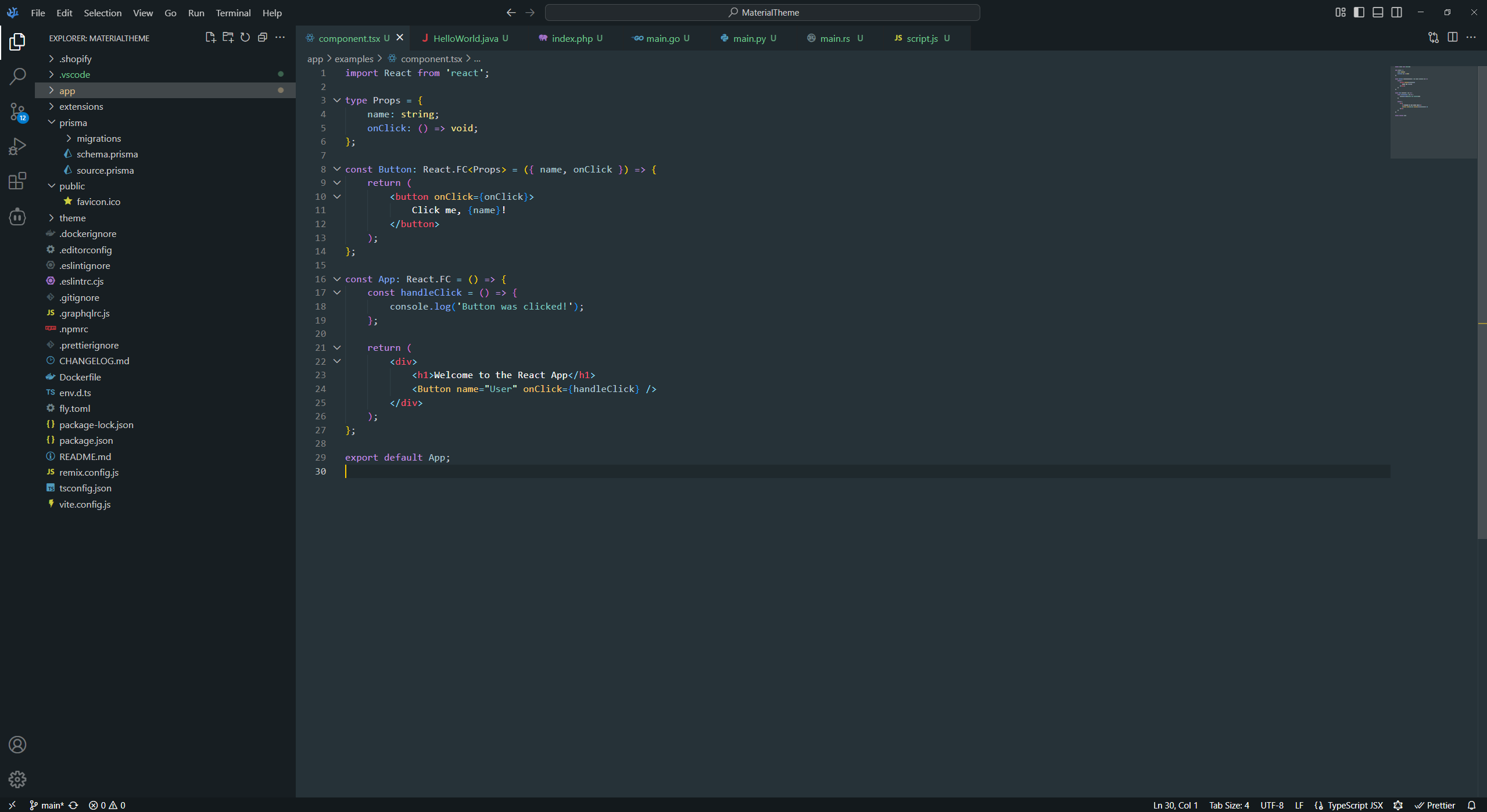
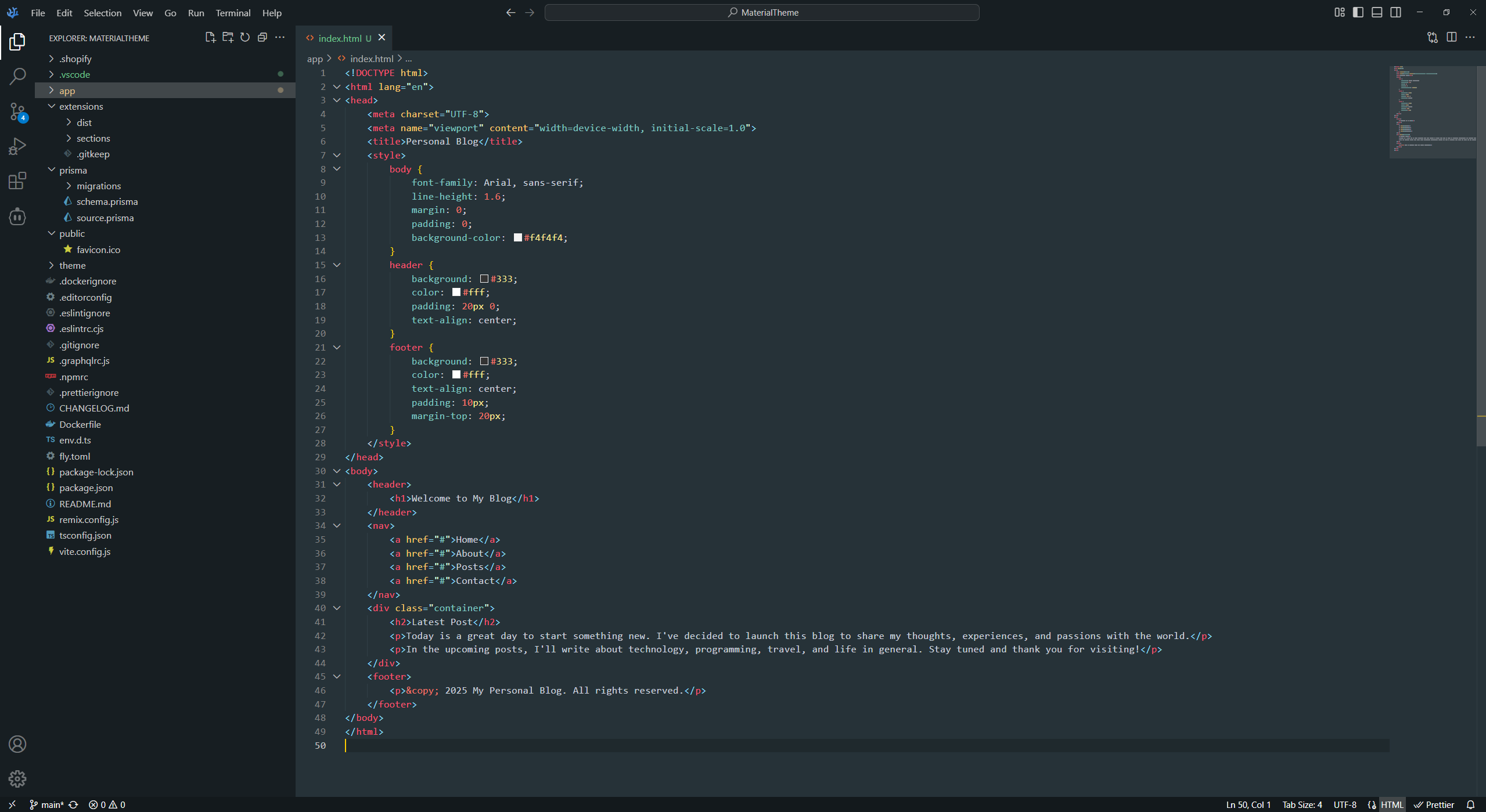
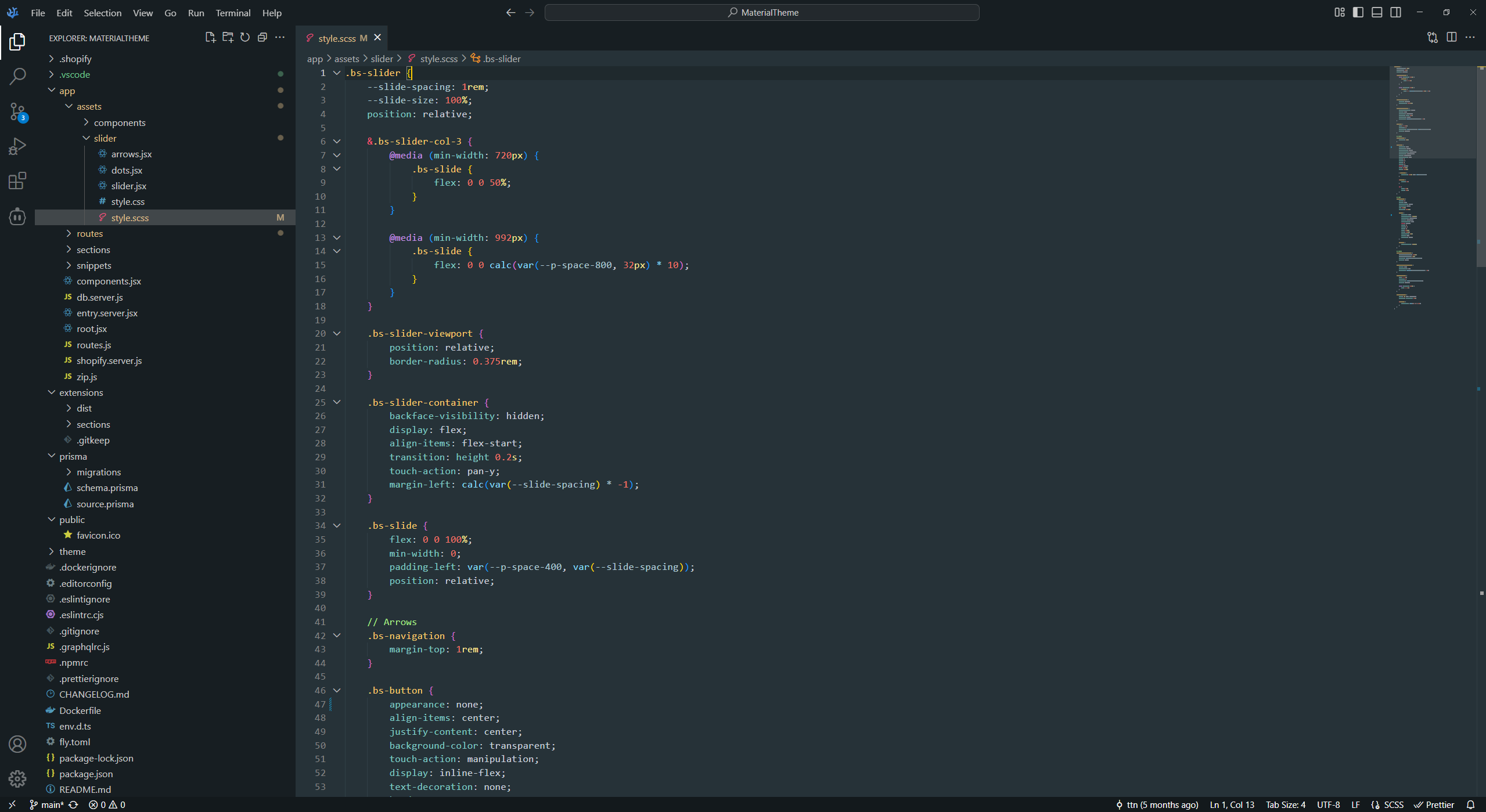
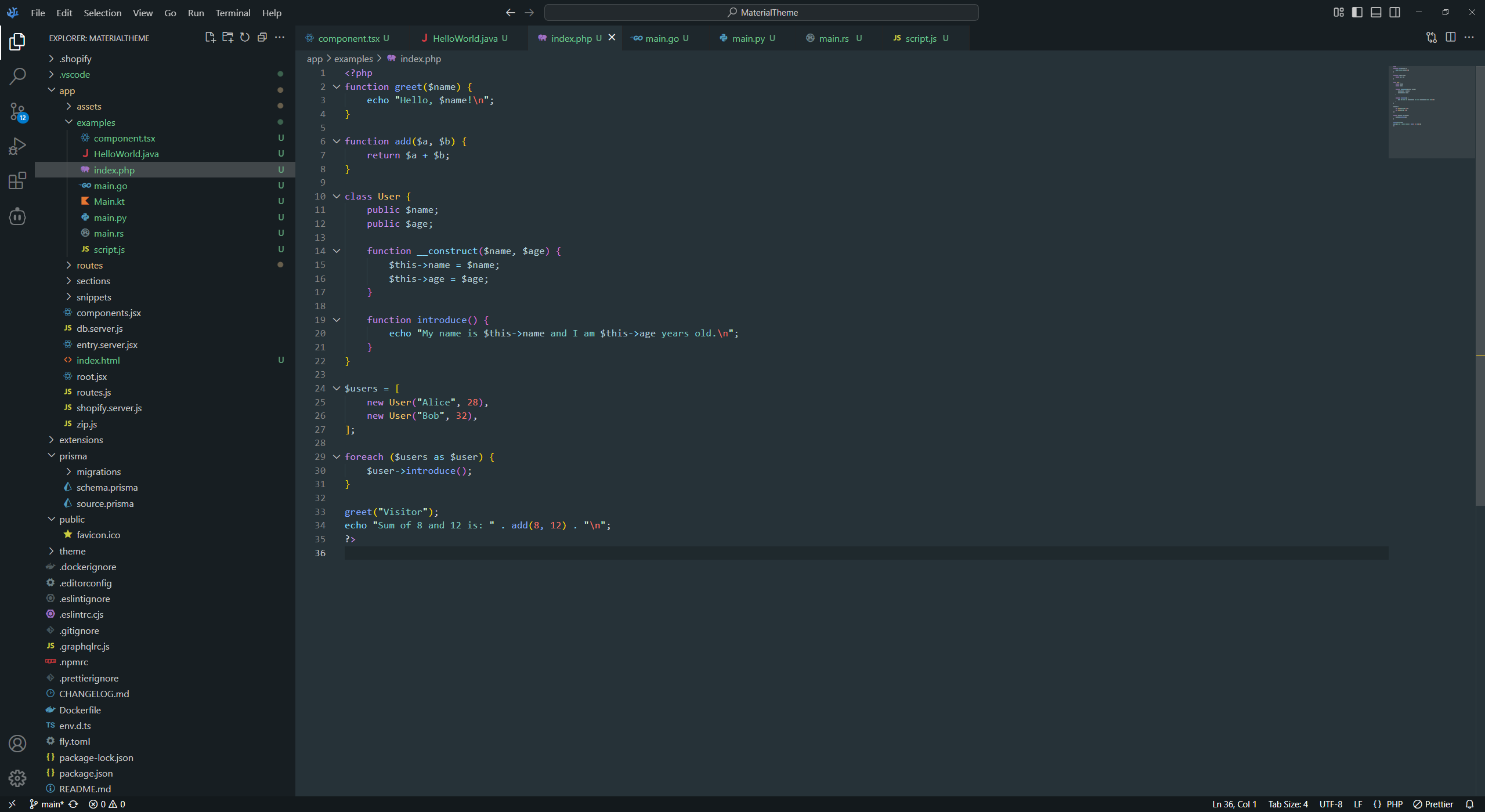
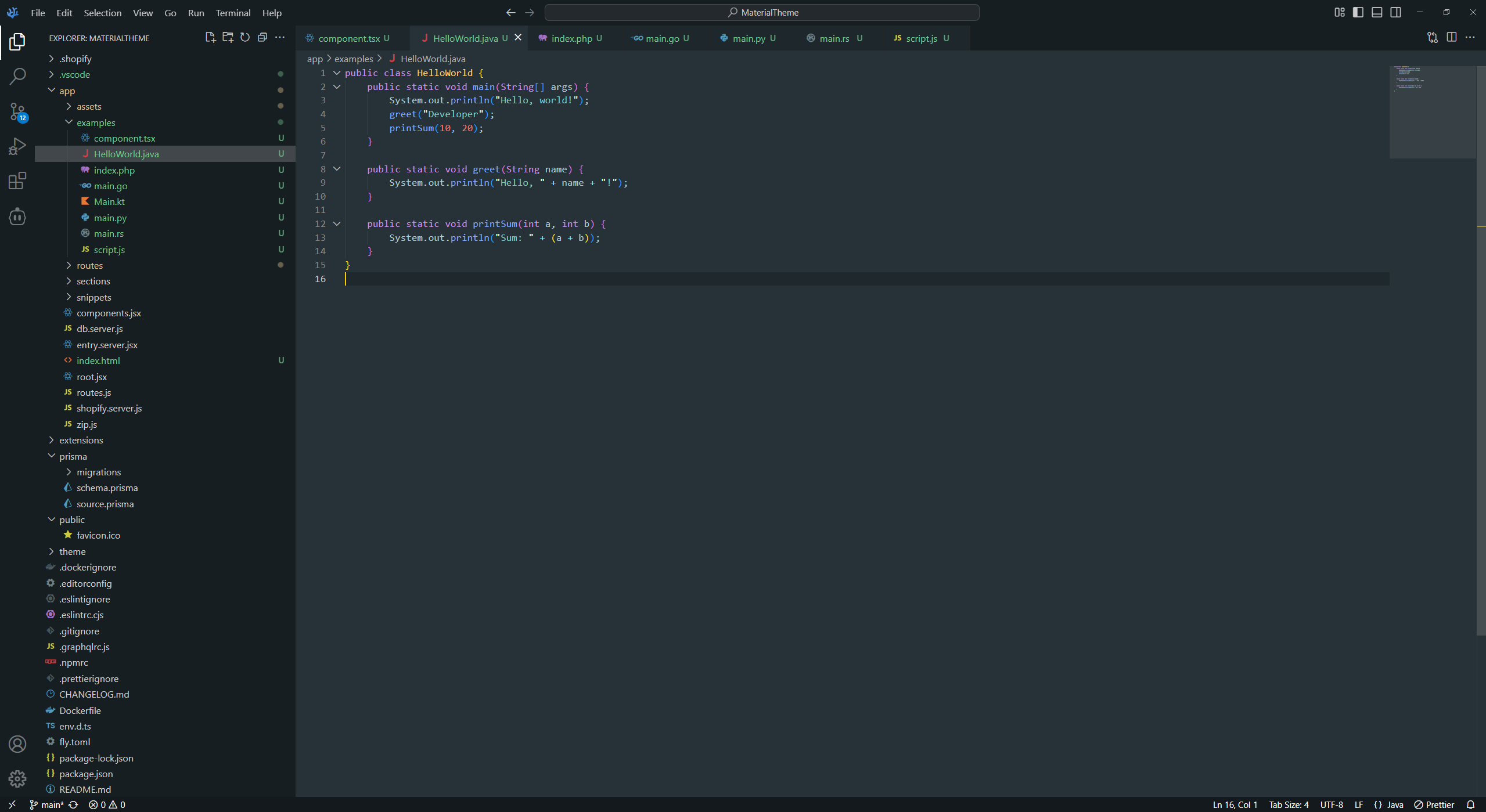
A calm, Material-inspired dark theme with a blue-grey palette. Every part of the window — editor, sidebar, panels, widgets and status bar — shares the same tones, and the status bar no longer jumps to purple or orange when no folder is open or while debugging.
Works in VS Code, VSCodium and other VS Code–compatible editors.
VS Code
- Open the Extensions view (
Ctrl+Shift+X). - Search for
Material Base Themeand click Install. Ctrl+Shift+P→ Preferences: Color Theme → Material Base Theme.
Or from a terminal:
code --install-extension 1dem2nhay.material-base-themeVSCodium and other editors
- Download the latest
.vsixfrom GitHub Releases. - Extensions view →
...→ Install from VSIX... and pick the downloaded file. - Select Material Base Theme as your color theme.
| Role | Color |
|---|---|
| Editor background | #263238 |
| Sidebar / title bar | #171e22 |
| Status bar | #13191c |
| Widgets (hover, suggest, menus) | #1e272c |
| Accent | #80CBC4 |
| Keywords | #C792EA |
| Functions | #82AAFF |
| Classes / attributes | #FFCB6B |
| Strings | #80CBC4 |
| Numbers / constants | #F77669 |
| Comments | #A7ED87 |
| Tags | #ff5370 |
The screenshots use Fira Code with ligatures:
{
	"workbench.colorTheme": "Material Base Theme",
	"editor.fontFamily": "Fira Code, Consolas, monospace",
	"editor.fontLigatures": true
}
Found a color that looks off, or want to tweak the theme?
Open an issue or send a pull request — all colors live in theme.json.
MIT — free to use, modify and share.