




Upload WordPress media files directly to a GitHub repository instead of the default uploads folder.
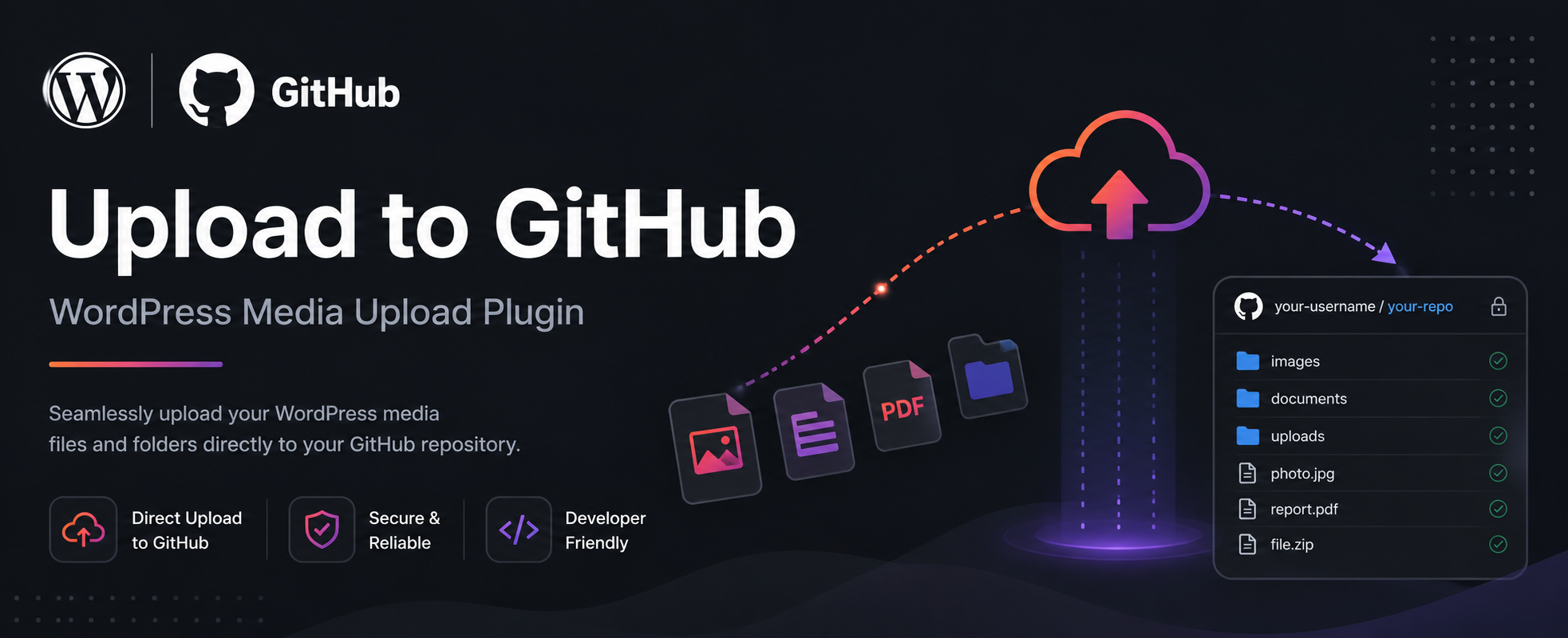
Upload to GitHub automatically uploads all your media files to a GitHub repository.
- Direct GitHub Upload: All media files are uploaded directly to your GitHub repository
- Automatic Repository Creation: If the repository doesn't exist, it will be automatically created
- Support for All Image Sizes: WordPress generates multiple image sizes - all are uploaded to GitHub
- Private and Public Repositories: Support for both public and private repositories
- Custom Upload Path: Define custom paths inside your repository
- Migrate Existing Media: Transfer all existing media files to GitHub
- GitHub Pages Support: For private repositories, media is served via GitHub Pages
- Configure your GitHub credentials (username, repository name, and Personal Access Token)
- Choose repository visibility (public or private)
- Upload media files as usual - they'll be sent to GitHub
- All media URLs are automatically updated to point to GitHub
- Go to Plugins > Add New in your WordPress admin
- Search for "Upload to GitHub"
- Click Install Now and then Activate
- Upload the plugin files to
/wp-content/plugins/upload-to-github - Activate the plugin through the Plugins screen
- Go to Upload to GitHub in the admin menu and configure your settings
- Enter your GitHub username, repository name, and Personal Access Token
- Click Save Settings and Test Connection
- Log in to GitHub
- Go to Settings > Developer settings > Personal access tokens
- Click Generate new token
- Select the
reposcope - Copy the token and paste it into the plugin settings
Yes! Select "Private (GitHub Pages)" as the repository visibility. The plugin will automatically create a GitHub Pages repository.
All media URLs are automatically updated to point to GitHub.
Yes! Set a custom path in the plugin settings. Example: "test/test2" will upload to /test/test2/uploads/year/month/.
- Initial release
- Direct upload to GitHub repository
- Support for all WordPress image sizes
- Private repository support with GitHub Pages
- Media migration from WordPress uploads folder
- Custom upload path support
- Full translation support (Persian, Arabic, German, Spanish, French, Russian, Turkish)
- WordPress 5.0 or higher
- PHP 7.4 or higher
- GitHub account with Personal Access Token (repo scope)
For support, feature requests, or bug reports:
https://github.com/inject3r/upload-to-github/issues
This plugin is also available on the official WordPress Plugin Directory:
https://wordpress.org/plugins/upload-to-github/
GPLv2 or later