
Turn plain text into polished typography graphics, right in your browser - write, theme,
style, and export a high-resolution PNG or SVG without touching a design tool.



Created by Bilal Malik
Follow on Github bilalmlkdev
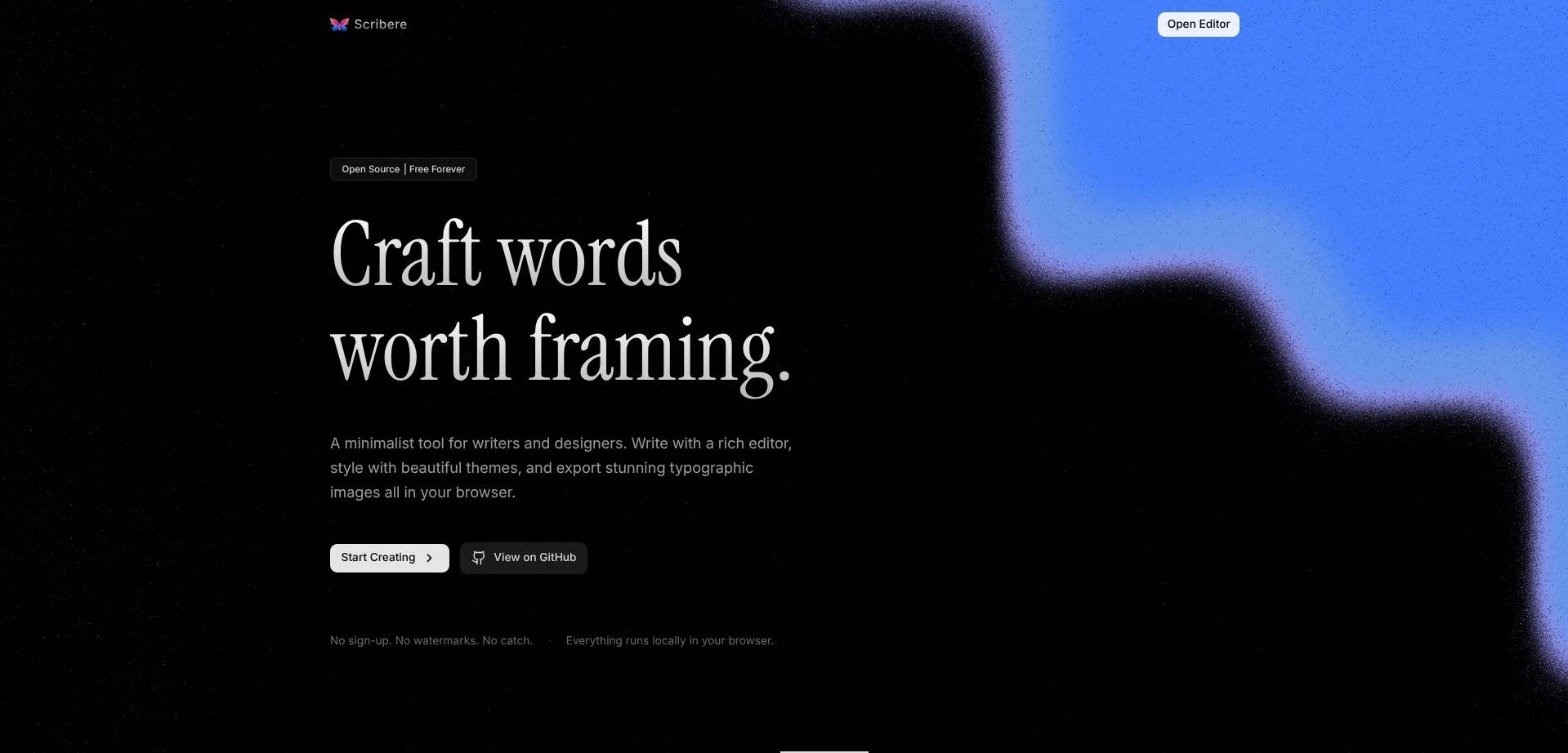
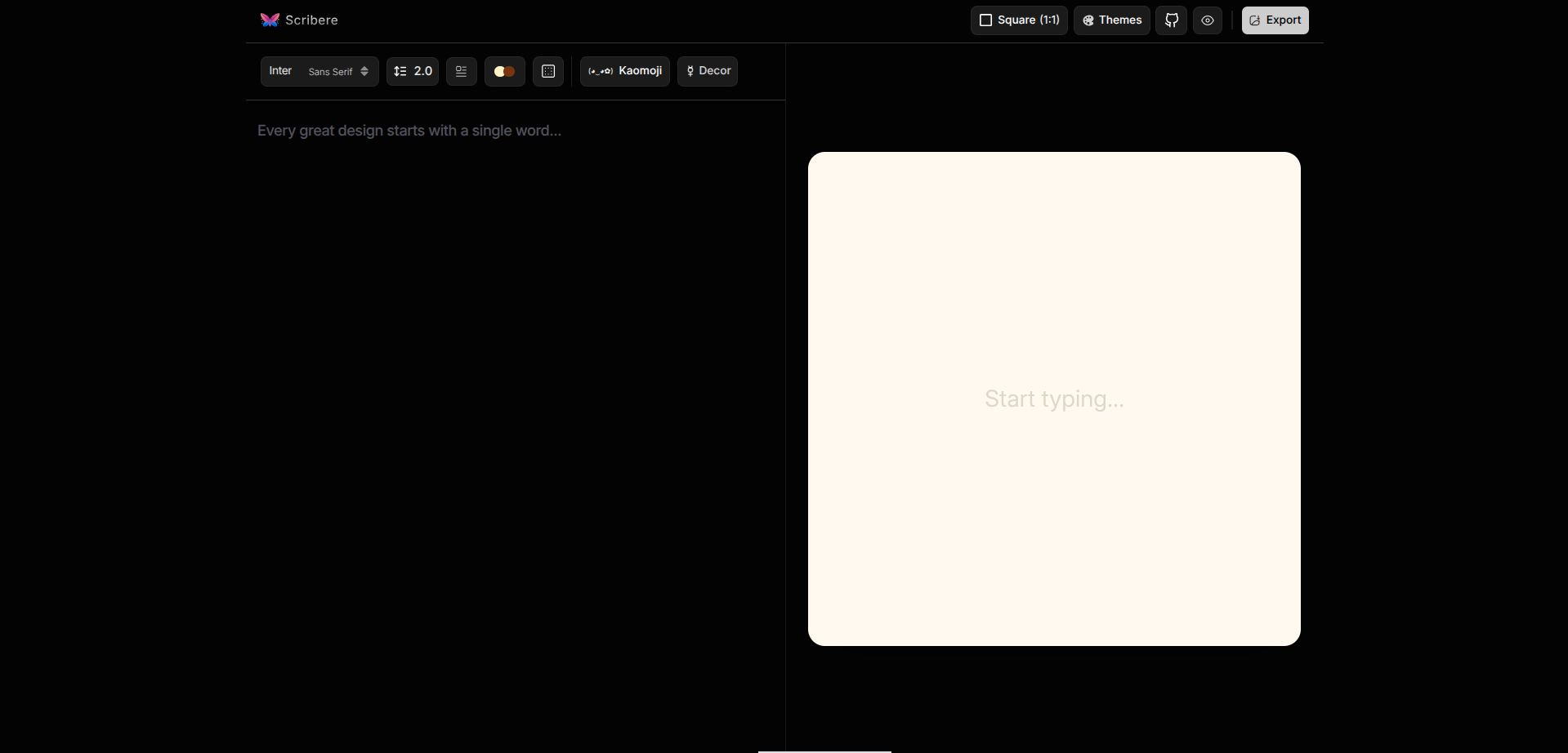
Most quote graphics and text posts get made by bouncing between a notes app and a design tool. Scribere-Editor collapses that into one page: type on a live canvas, format the selection you just made, pick from 25+ handcrafted themes, and export at up to 4320×4320 without ever leaving the browser.
Nothing is uploaded and nothing needs an account - the canvas, the theming, and the export all run locally, so whatever you write stays on your machine until you choose to download it.
| Category | Details |
|---|---|
| Editor | Rich text editing directly on a live canvas preview, with per-selection formatting - bold, italic, underline, headings, lists, case conversion |
| Themes | 25+ handcrafted styles spanning serif, sans-serif, monospace, editorial, vintage, and minimal, plus a random-theme roll |
| Typography Controls | Font family, size, line height, letter and word spacing, padding, and drop caps |
| Color | Full background and text color overrides with live preview, independent of the active theme |
| Texture | Adjustable paper-grain intensity, from a clean flat background to a visibly textured one |
| Kaomoji & Symbols | Built-in library of expressive text emoticons and decorative marks - stars, hearts, dividers, arrows |
| Export | High-resolution PNG (2×/3×/4×, up to 4320×4320) or infinitely scalable SVG |
| Shortcuts | Ctrl+B bold, Ctrl+I italic, Ctrl+U underline |
- Write your content directly on the canvas.
- Select text and format it with the toolbar - font, weight, case, spacing.
- Pick a theme, or override its colors and texture intensity.
- Export as PNG or SVG - color overrides apply to the export without touching the editor canvas.
Scribere-Editor is built as a straight rendering pipeline rather than a tangle of shared state:
User Input → Formatting Toolbar → Typography Engine → Canvas Renderer → Theme System → PNG / SVG Export
Each stage only knows about the one before it. The toolbar never touches the export code, and the theme system never touches raw keystrokes - which is what makes adding a new theme or a new export format a localized change instead of a rewrite.
Themes are non-destructive. Switching themes restyles the canvas but never mutates your actual content, and any color or texture override you apply lives independently of the export - so you can preview one look and export another.
scribere-editor
├── public
├── src
│   ├── components
│   │   ├── editing       Canvas, TextToolbar, FontSelector, LineHeight, DropCap
│   │   ├── themes         Themes, ThemeColors, ViewPorts
│   │   ├── creative       KaomojiSelector, Decorations
│   │   ├── export         ExportOptions
│   │   └── layout         Navbar
│   ├── data
│   ├── hooks
│   ├── lib
│   ├── utils
│   ├── App.jsx
│   └── main.jsx
├── package.json
└── vite.config.js
| Principle | Description |
|---|---|
| Local-First | No accounts, no cloud storage, no uploads - everything runs in your browser |
| Non-Destructive Theming | Themes and color overrides never alter your underlying content |
| Isolated Pipeline Stages | Input, formatting, rendering, theming, and export don't share internal state |
| Export Independent of Editor | PNG/SVG output can carry its own color overrides without changing the canvas |
git clone https://github.com/bilalmlkdev/scribere-editor.git
cd scribere-editor
Install dependencies and start the dev server.
npm install
npm run dev
The app will be available at http://localhost:5173. For a production build:
npm run build
npm run previewPNG - built for social posts, blogs, presentations, and documentation. Scales at 2×, 3×, or 4×, up to 4320×4320, as high-quality raster output.
SVG - built for Figma, Illustrator, and print, where infinite scaling matters more than a fixed resolution.
Both formats accept independent color overrides without altering the editor canvas underneath them.
- Start typing - the canvas updates as you go, no separate preview step.
- Highlight text to reveal the formatting toolbar for that selection.
- Try a few themes from the panel; use the random-theme button if you're stuck on a direction.
- Dial in texture intensity and any color overrides you want for the final export.
- Export as PNG for social/web use, or SVG if it's headed to a design tool or print.
If the exported image looks different from the canvas, check for an active color override - it applies only at export time and won't show up until you download.
Custom canvas dimensions, theme import/export, undo/redo history, gradient backgrounds and text shadows, a template gallery, PDF export, and a better mobile editing experience are all planned.
Contributions of every size are welcome - new themes, fonts, editor features, or export improvements all help.
git checkout -b feat/your-feature
npm run dev
npm run build
Keep components reusable, follow the existing structure, and include screenshots in your pull request if the UI changed.
This project is licensed under the MIT License.
MIT License

Copyright (c) 2026 Bilal Malik

Permission is hereby granted, free of charge, to any person obtaining a copy
of this software and associated documentation files (the "Software"), to deal
in the Software without restriction, including without limitation the rights
to use, copy, modify, merge, publish, distribute, sublicense, and/or sell copies
of the Software. The above copyright notice and this permission notice shall
be included in all copies or substantial portions of the Software.

THE SOFTWARE IS PROVIDED "AS IS", WITHOUT WARRANTY OF ANY KIND, EXPRESS OR
IMPLIED, INCLUDING BUT NOT LIMITED TO THE WARRANTIES OF MERCHANTABILITY,
FITNESS FOR A PARTICULAR PURPOSE AND NONINFRINGEMENT. IN NO EVENT SHALL THE
AUTHORS OR COPYRIGHT HOLDERS BE LIABLE FOR ANY CLAIM, DAMAGES OR OTHER
LIABILITY, WHETHER IN AN ACTION OF CONTRACT, TORT OR OTHERWISE, ARISING FROM
OUT OF OR IN CONNECTION WITH THE SOFTWARE OR THE USE OR OTHER DEALINGS IN THE
SOFTWARE.