This is my old waybar/rofi setup and isn't maintained anymore. The current one, with an installer,
is at astxr0th/dotfiles .
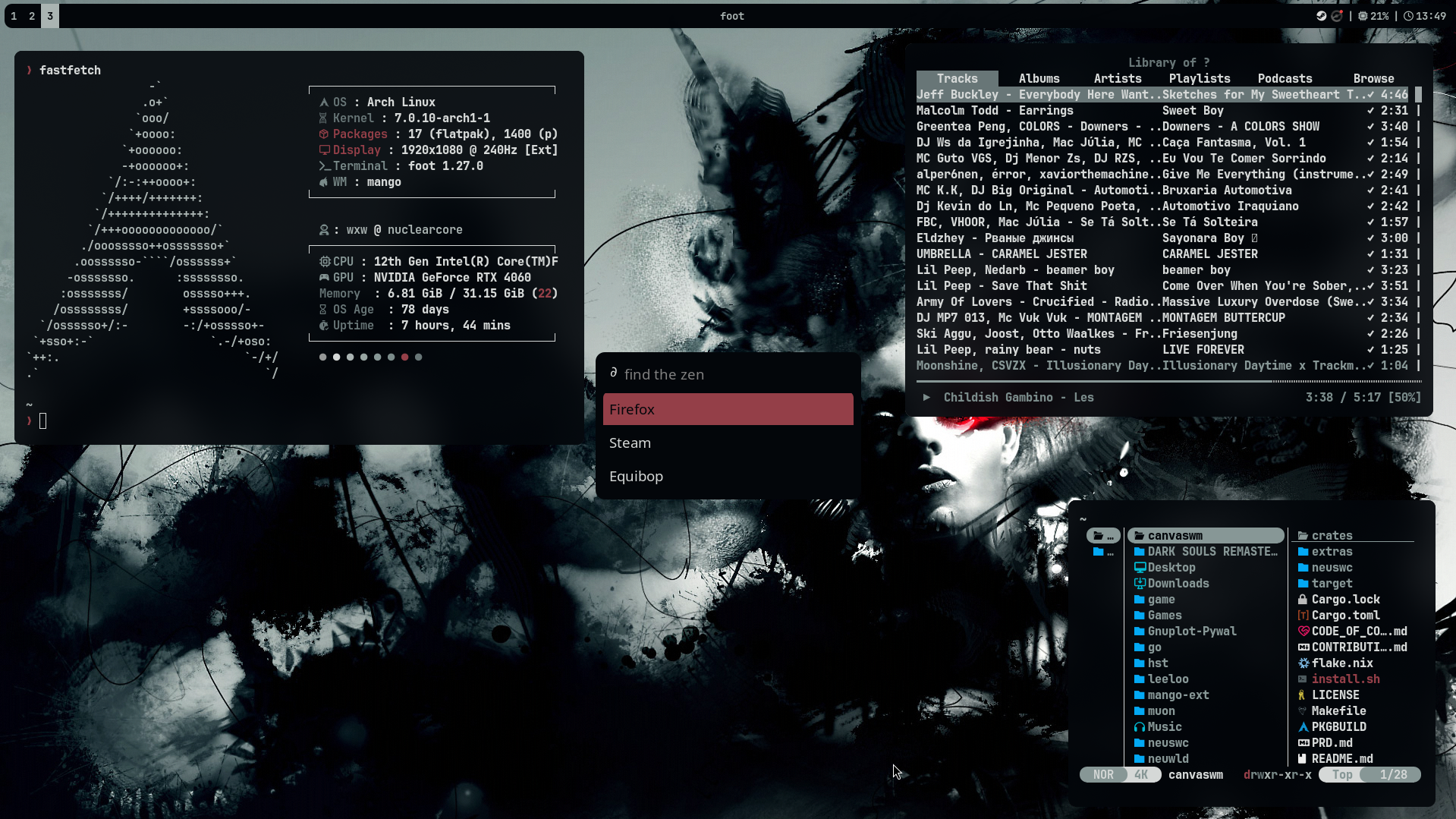
wxw @ nuclearcore — Arch Linux · mango WM
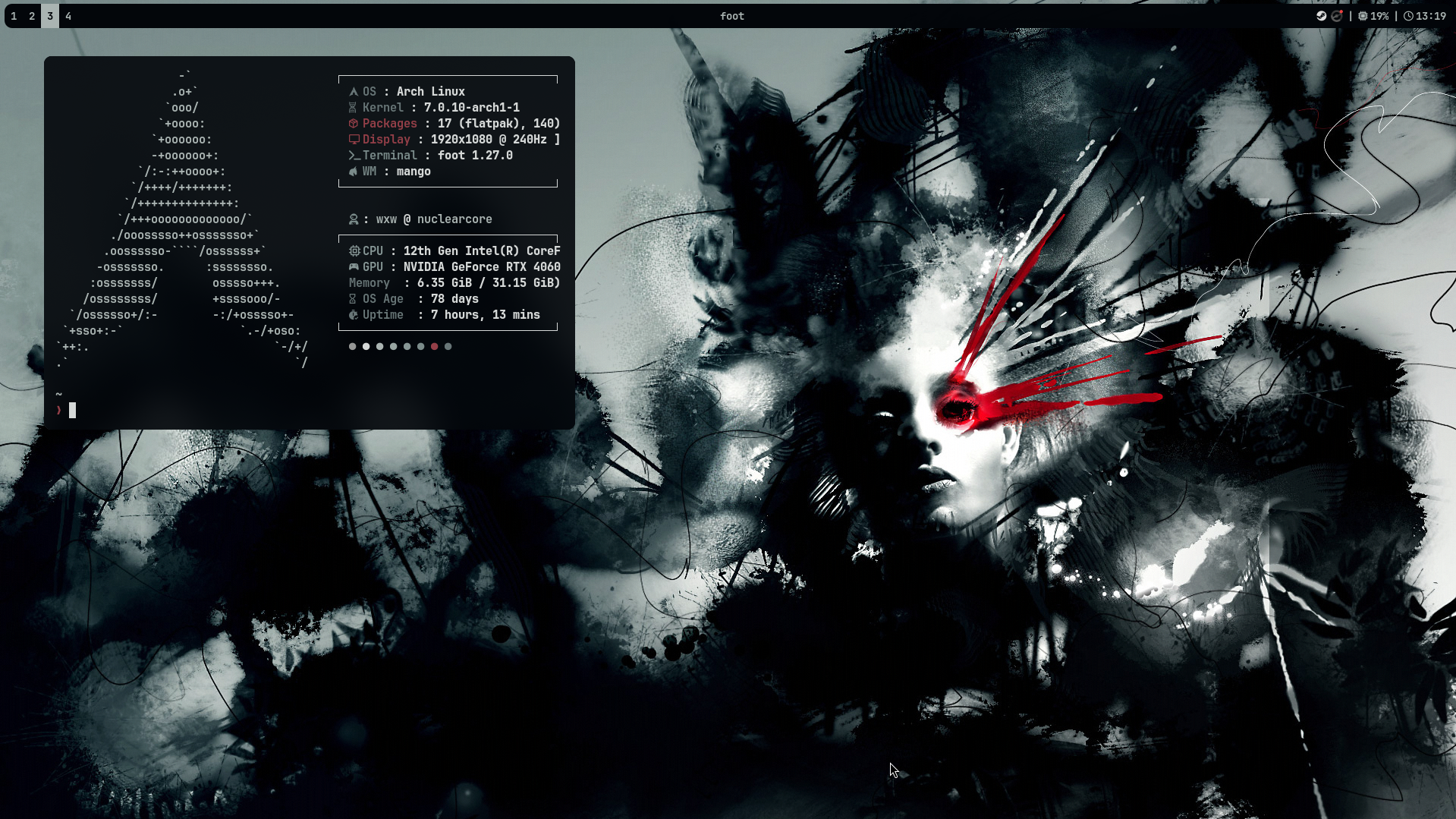
fastfetch + terminal
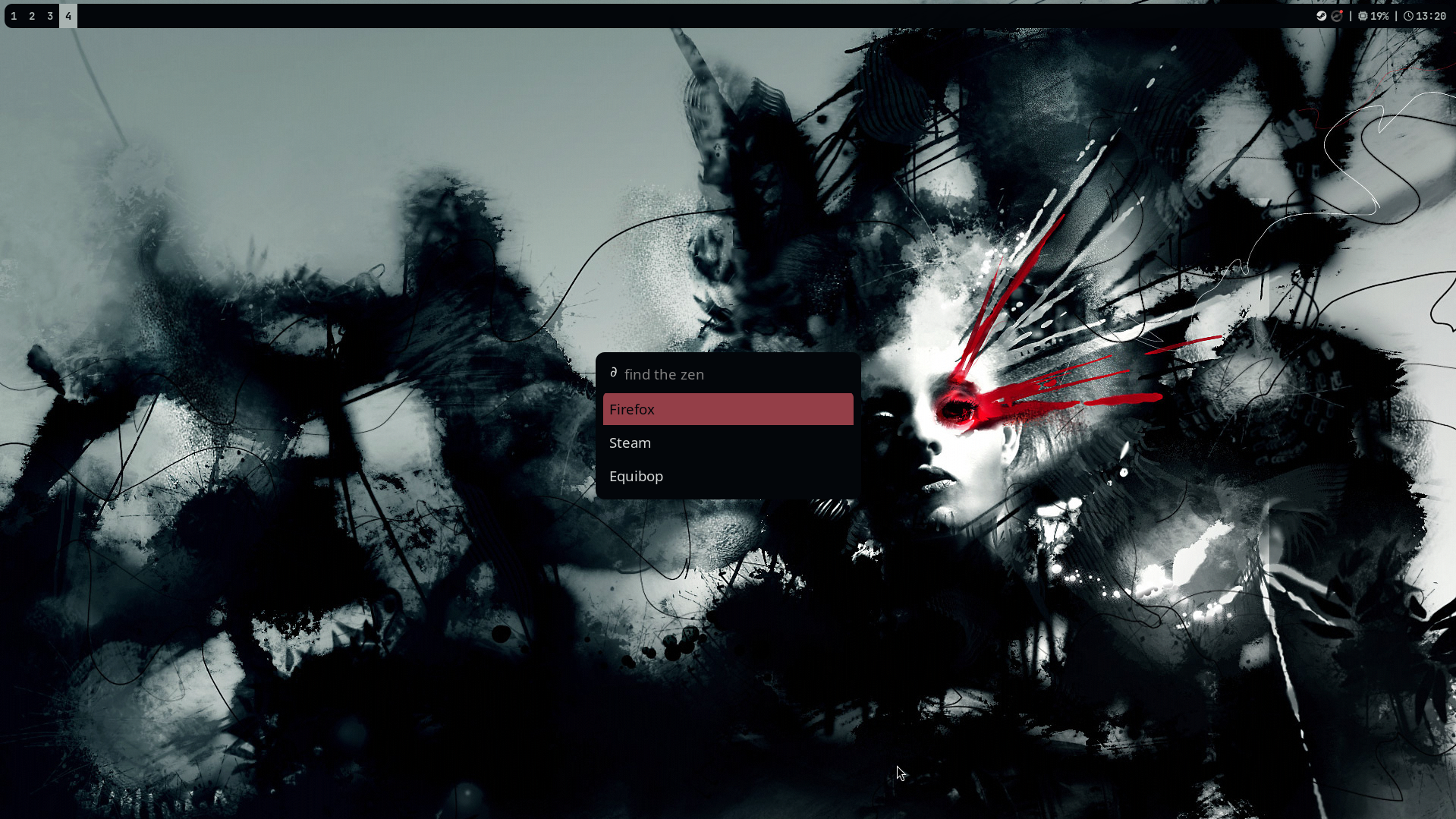
rofi launcher
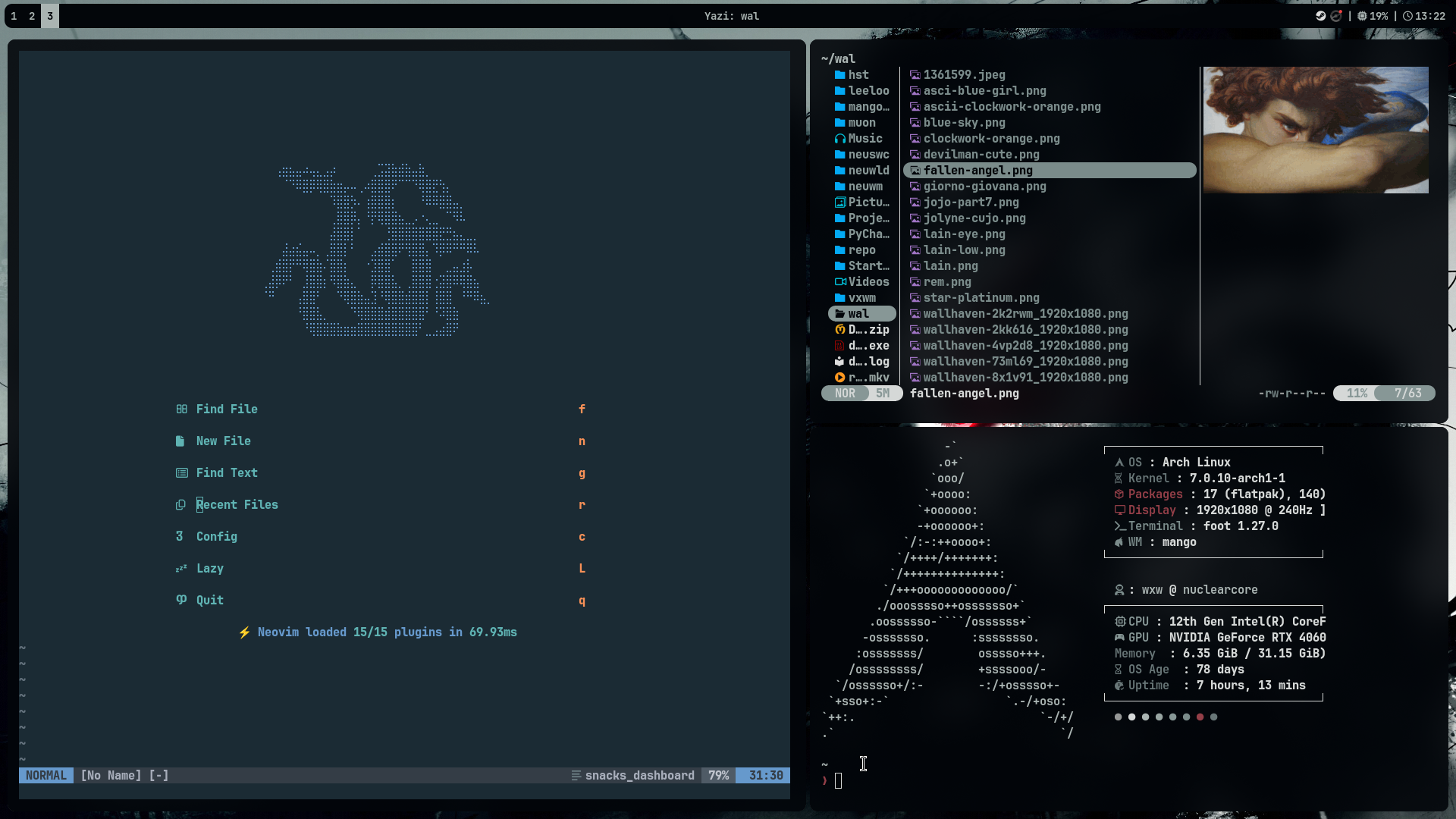
neovim + yazi
DISTRO Arch Linux
WM mango
Terminal kitty
Editor Neovim (15 plugins · snacks dashboard)
Launcher Rofi
File Manager Yazi
Bar Waybar
Notifications swaync
Colors pywal
d0thfiles/
├── bin/          # scripts & utilities
├── foot/         # terminal config
├── mango/        # window manager config
├── nvim/         # neovim config (lua)
├── rofi/         # launcher theme
├── swaync/       # notification daemon
├── wal/
│   └── templates/ # pywal color templates
├── waybar/       # status bar
└── yazi/         # file manager config
No automated install script yet. Soon...
git clone https://github.com/astxr0th/d0thfiles ~ /.dotfiles
cd ~ /.dotfiles
# copy the files to the right directory~ /.dotfiles/* ~ /.config/ Repeat for each component you want. Make sure the relevant packages are installed first.
foot mango neovim rofi yazi waybar swaync python-pywal awww
Install on Arch:
paru -S foot mangowm-git neovim rofi yazi waybar swaync python-pywal awww
keybind
action
SUPER + Spacerofi launcher
SUPER + Returnfoot terminal
SUPER + Eyazi file manager
SUPER + Bhelium browser
SUPER + SHIFT + Cedit mango config in nvim
SUPER + SHIFT + Spacetoggle swaync notification panel
SUPER + SHIFT + Rscreen recorder (wf-recorder)
SUPER + Rreload mango config
SUPER + SHIFT + Qexit mango
SUPER + Qkill focused client
keybind
action
SUPER + Tabfocus next window
ALT + ←↑↓→focus window by direction
SUPER + SHIFT + ←↑↓→swap window by direction
keybind
action
SUPER + Ffullscreen
SUPER + SHIFT + Ffake fullscreen
SUPER + Stoggle float
SUPER + Gtoggle global
ALT + Tabtoggle overview
ALT + Amaximize screen
SUPER + Iminimize
SUPER + SHIFT + Irestore minimized
SUPER + Otoggle overlay
ALT + SHIFT + Ztoggle scratchpad
keybind
action
SUPER + Nswitch layout
ALT + Eset proportion 1.0
ALT + Xcycle proportion preset
keybind
action
SUPER + 1–9switch to tag
SUPER + SHIFT + 1–9move client to tag
SUPER + → / SUPER + ←navigate tags right/left
CTRL + → / CTRL + ←navigate tags (with client)
CTRL + SUPER + →/←move tag right/left
keybind
action
ALT + SHIFT + ←/→focus monitor left/right
SUPER + ALT + ←/→move tag to monitor
keybind
action
CTRL + SHIFT + ←↑↓→move window by 50px
CTRL + ALT + ←↑↓→resize window by 50px
SUPER + drag (LMB)move window
SUPER + drag (RMB)resize window
keybind
action
ALT + SHIFT + Xincrease gaps
ALT + SHIFT + Zdecrease gaps
ALT + SHIFT + Rtoggle gaps
feel free to steal whatever you need