An Android FPS built in Unreal Engine 5.6 where a fine-tuned FunctionGemma-270M model runs entirely on-device, calling real gameplay functions from natural language.


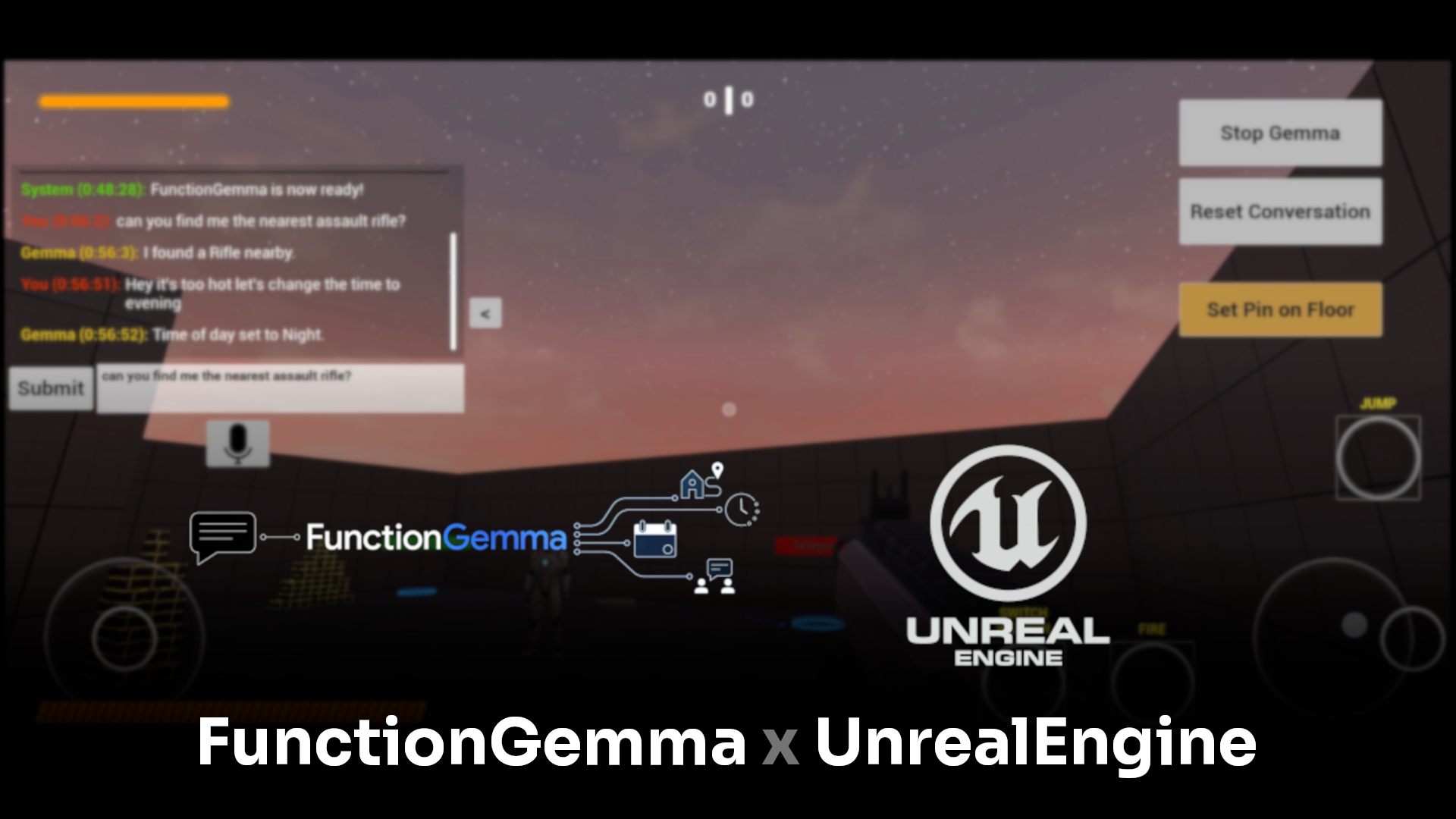
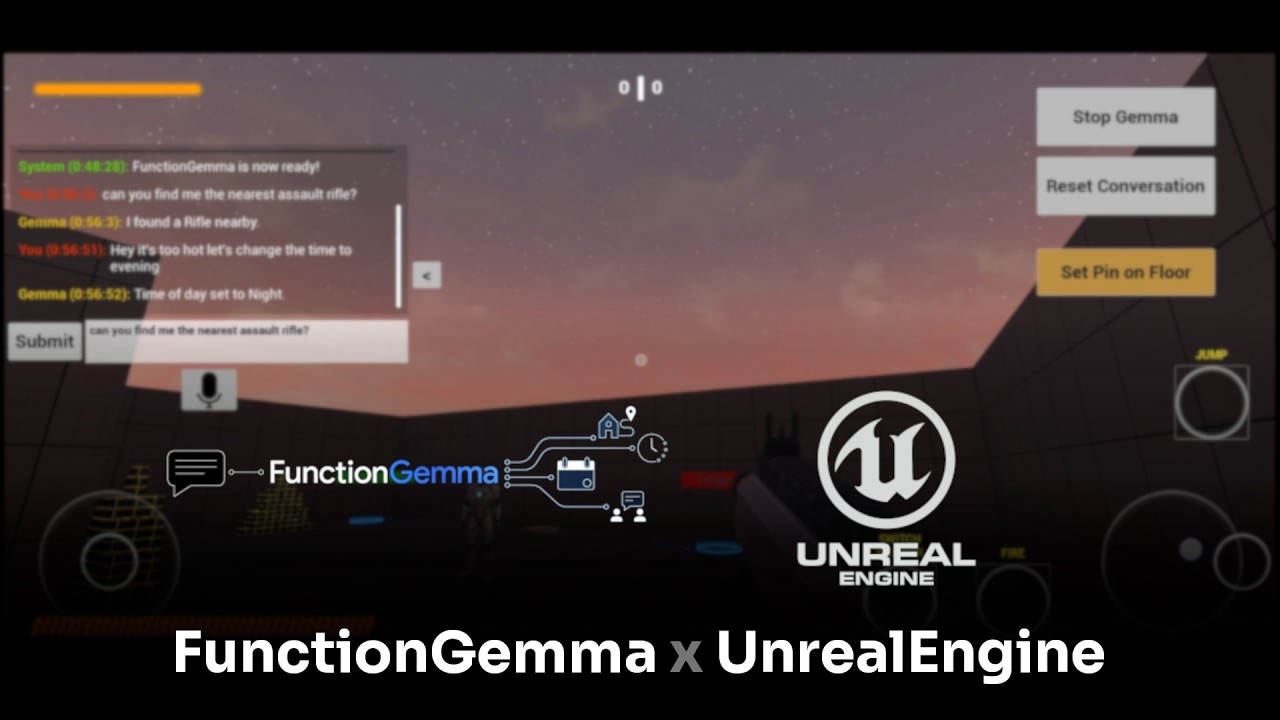
Click the thumbnail to watch it in action.
⚠️ Prototype disclaimer This is an early-stage, RAM-heavy prototype. Thelitert-lmAPIs it depends were still in alpha. It has only been tested on a Google Pixel 10 Pro XL; it may be unstable or fail to run on other devices.
FunctionGemma-270M is a small, function-calling LLM designed to run locally on mobile hardware. UE_Gemma explores what happens when you drop that model into an actual game: instead of a chatbot bolted onto the side of the experience, the model's tool calls drive real gameplay logic — moving the player, changing world state, highlighting objects — with no server, no API key, and no internet connection required.
It started from Unreal Engine's stock First Person Shooter template (for the character, animations, controller and input boilerplate) with a custom Unreal plugin layered on top to bridge the game to the on-device model.
- First-person shooter template with full touch controls for Android.
- An in-game chatbox to converse with FunctionGemma and see its natural-language responses.
- Speech-to-Text input, so you can talk to the model instead of typing.
- Runs fully offline — the model is fine-tuned, quantized, and executed on-device via
litert-lm. (STT needs internet only if the on-device English language pack isn't already installed.)
 Player (voice / text)
        │
        ▼
 In-game Chatbox UI  ──────────────────┐
        │                              │
        ▼                              │
 ULiteRTLMFunctionLib (C++/Blueprint)  │  Blueprint-callable API exposed
   InitializeLM / GenerateLMResponse   │  to game logic & UI
   SubmitToolResult / ParseFunctionCall│
        │                              │
        ▼                              │
      JNI bridge                       │
        │                              │
        ▼                              │
 UPL (Android Plugin Language) layer   │  Native Java, generated as part
   litert-lm Android SDK               │  of the packaged Android build
   Android Speech-to-Text              │
        │                              │
        ▼                              │
 Fine-tuned FunctionGemma-270M         │
   (.litert-lm, runs on-device)        │
        │                              │
        ▼                              │
 Structured function call  ────────────┘
   e.g. teleport_player(color: "blue")
        │
        ▼
 Gameplay executes the call, result is
 sent back to the model as a tool result
Plugins/LiteRTLMPlugin— a custom Unreal plugin containing:- A
UBlueprintFunctionLibrary(ULiteRTLMFunctionLib) exposing model lifecycle, prompting, tool-result submission, function-call parsing, and STT control to Blueprints. - A UPL (
LiteRTLM_APL.xml) file — Unreal's mechanism for injecting native Java into the packaged Android app. It wires up thelitert-lmAndroid SDK, the Android Speech-to-Text APIs, and requests theRECORD_AUDIOpermission. - A JNI bridge (
LiteRTLMFunctionLib.cpp) connecting that native Java code back to C++/Blueprints, including async round-trips to the game thread so tool execution can safely touch gameplay state.
- A
- On non-Android platforms (e.g. Win64 in-editor), calls fall back to a simulated response so the Blueprint graph can still be tested without a device.
| Function | What it does | Example prompt |
|---|---|---|
teleport(color) |
Teleports the player to one of the colored teleport markers in the level (Red / Green / Blue). | "Teleport to blue", "Warp to red" |
find_nearest_weapon() |
Finds and highlights the weapon pickup closest to the player, with audio. | "Find the weapon nearest to me" |
find_specific_weapon(weapon_name) |
Locates and highlights a specific weapon type: Assault Rifle, Grenade Launcher, or Pistol. | "Can you locate a grenade launcher?" |
toggle_time_of_day() |
Toggles the level between day and night. | "Switch to night", "Make it a nice evening" |
move_ai_location_pin() |
Moves the AI NPC to a location pin the player drops with the crosshair. | "Move the AI bot to the marker" |
change_weapon_color(color) |
Recolors the player's currently held weapon (Red, Green, Blue, White, Black, Pink, or random). | "Paint my gun black", "Random color for my gun" |
- Used the Mobile-Actions sample dataset as a reference and generated a ~3,000-sample custom dataset for these six functions (dataset-generation script written with Antigravity).
- Fine-tuned FunctionGemma-270M using the Mobile-Actions notebook and exported it as a
.litert-lmmodel for on-device Android inference. - Wired the model into the game through the custom plugin described above.
The fastest way to try it is the packaged Android build from the v1.5.3-beta release.
Requirements: Android 13+, ~1.5 GB free storage. Tested on a Google Pixel 10 Pro XL.
- Download and extract the release zip.
- Connect your phone to your PC.
- Enable Developer Mode and USB debugging on your phone.
- If you don't already have
adb, install Android SDK Platform Tools. - Run
adb devicesin a terminal. Accept the USB debugging prompt on your phone if asked, then run it again to confirm the device shows up. - From the extracted folder, run
Android_ASTC/Install_UE_Gemma-Android-Shipping-arm64.bat. A console window will install the app and close automatically when done. - Long-press the app icon → App Info → Permissions → enable Microphone (required for Speech-to-Text).
- On first launch the app may take a little while to load.
- A chatbox appears on the right. It'll tell you to wait while the model initializes (~10–12 seconds), then post a system message once FunctionGemma is ready.
- Use the on-screen joysticks to move/look around — each button is annotated with its function.
- Walk through a floating weapon to equip it.
- Three extra buttons on the right side of the screen:
- Stop Gemma — unloads the model from memory. Press this before exiting the app, or the model may stay resident in memory after the app closes.
- Reset Conversation — clears the model's context if it starts hallucinating (it does, occasionally).
- Set Pin on Floor — aim the crosshair at the floor and press this to drop a location marker, which
move_ai_location_pin()can then target.
- Talk or type to the chatbox using any of the six functions above.
- Requires Unreal Engine 5.6.
- Clone the repo (Git LFS is used for binary assets — make sure Git LFS is installed before cloning).
- Open
UE_Gemma.uprojectin Unreal Engine. - The
LiteRTLMPlugintargetsWin64(editor simulation) andAndroid(real on-device inference via the UPL/JNI bridge) — a real FunctionGemma response only happens when packaged and run on an Android device.
- Physics cubes in the level can cause collision bugs with the player and AI NPC.
- Pressing Stop Gemma crashes the app most of the time — harmless since you're quitting anyway.
- The fine-tuned model isn't perfectly trained and can feel rigid or hallucinate; use Reset Conversation if it gets stuck.
- First exposure to UPL (Unreal Plugin Language) and JNI — and how to bridge native Android functionality into an Unreal C++/Blueprint API.
- Deeper understanding of asynchronous operations in Unreal Engine spanning C++ and Java, including safely marshalling calls back onto the game thread.
- Hands-on experience fine-tuning an LLM end-to-end on a custom dataset and exporting it for on-device mobile inference.
Function-calling LLMs like FunctionGemma already have a solid capability-to-cost ratio for this kind of use case, and that ratio should only keep improving — this project is a small bet on that trend showing up in games.
C++ · Unreal Engine 5.6 · Unreal Plugin Language (UPL) · JNI · Java (Android) · FunctionGemma-270M · litert-lm · Android Speech-to-Text
- Sanjyot Dahale — solo developer.
- FunctionGemma / Mobile-Actions by Google for the base model, sample dataset, and fine-tuning notebook.
- Antigravity and Gemini, used as coding assistants for dataset generation and the UPL/Java layer.
Licensed under the MIT License © 2026 Sanjyot Dahale.
Have feedback or found a bug? Open an issue. If the app works for you and you enjoyed it, consider giving the repo a ⭐.