
Due to nZombies Rezzurrection stealing our code and not giving any credit, we've decided to keep changes exclusive to the servers for the time being.

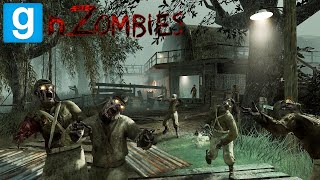
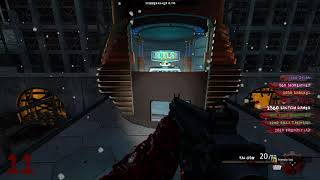
nZC (nZombies Chronicles) is a community-driven successor to Zet0r's nZombies.
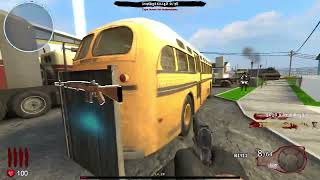
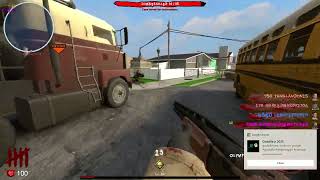
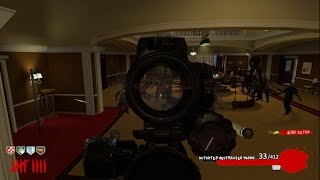
It recreates the classic Call of Duty Zombies experience in Garry's Mod, featuring community-made zombie maps, perks, weapons, and round-based gameplay.


- Holds high standards
- Stays true to classic gameplay
- Fully supports Singleplayer and Multiplayer
- Keeps download requirements as low as possible
- Improves the mode without completely changing it:
- Bug Fixes
- Performance Optimization
- Multiplayer Compatibility
- Security Patches

- Adds new content while preserving core gameplay:
- Tools
- Traps
- Zombie and Boss variants
- Spawners
- Icons
- Documentation

nZombies Chronicles powers the official nZC servers, which first opened in 2020. It has ranked #1, receiving over 10,000 unique players!
Server List → nZombies Chronicles → nZC
play.nzcservers.com:27018


You need to install the nZombies Chronicles Content Pack
Follow these steps to ensure the gamemode mounts correctly.
- Download & Extract: Download the repository ZIP and extract it to a temporary location.
- Locate the Root: Open the extracted folder. You should see several directories such as
gamemodesandluaall in one place. - Move to Addons: Move the folder containing those directories into your
garrysmod/addons/folder. You can rename itnzombies-chronicles. - Verify the File Structure: Your directory tree must look like this for the assets to load:
garrysmod/addons/nzombies-chronicles/gamemodes/garrysmod/addons/nzombies-chronicles/lua/
- Restart your game
- In the gamemodes selection on the bottom right, select nZombies Chronicles
- Many addons break the game. Uninstall anything that gives errors. Stick to official and reputable addons.
If an nZombies addon is broken, please ask the author to support nZombies Chronicles.
If you are an addon developer, please read the guide on how to properly support the gamemode.